Folders
Organize wallets into reusable folders, then manage each group’s name, color, and wallet selection.
Create a folder
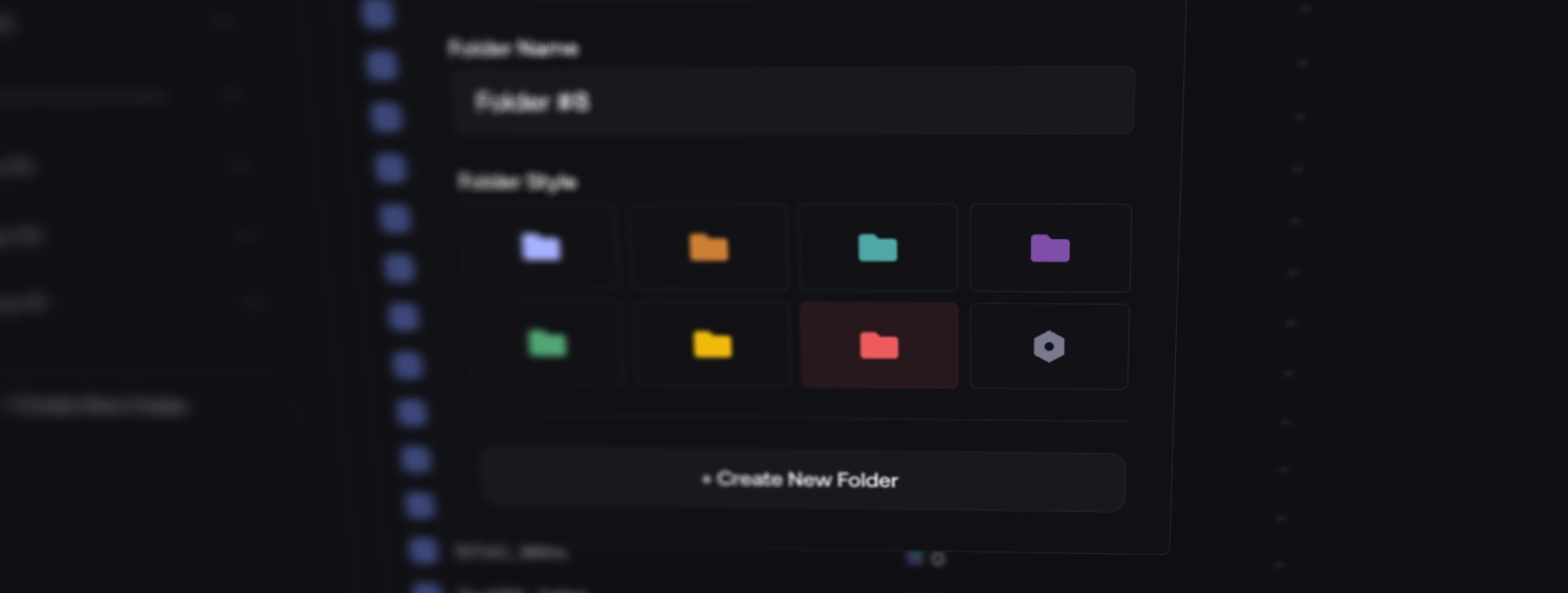
- In My Wallets, open the folder sidebar and select + Create New Folder.
- Enter a name, choose a color, and confirm.
- Select wallets → Manage → choose folders.
Manage folders
From the folder menu:
- Edit Folder: change the name or color.
- Archive Folder: hide it; restore it from Archived Folders.
- Delete Folder: permanently remove the folder.
Wallets stay in the main list; their assets are unchanged.
Delete wallets
Deleting a wallet removes it from your wallet lists.
- Recovery checks native balances above the threshold, not SPL/ERC-20 tokens.
- On EVM, Withdraw and Delete only withdraws native assets on the networks listed in the confirmation.
A withdrawal error may not block deletion. Withdraw separately and check balances, tokens and pending transfers on every network before deleting.
Restore deleted wallets
- In the folder sidebar, select the trash icon next to the network name to open Deleted Wallets for the current chain.
- Select the wallets to bring back, then select Restore, or right-click and choose Restore.
Restored wallets return to your wallet lists.
Wallet routing
Each wallet has a default routing: the platform its trades are built through. Proxima is the direct route. Each platform shows its fee per trade, or No fee.
- One wallet: select the routing icon beside its address; hovering it shows the current platform. Choose a platform, then select Save.
- Same platform for several wallets: select them, right-click and choose Alternative Routing.
- Split across platforms: select wallets, then Wallets Routing. Set a percentage per platform, or use Split evenly or Random, then select Apply. Wallets already on a platform stay there when they can.
Available platforms depend on the chain. If only Proxima is offered, the dialog shows Only Proxima routing is available on this chain.
On Solana, Override wallets routing in a launch’s Buy or Sell settings, or in Advanced Settings when creating it, splits that launch’s trades across the platforms you choose. Turned off, each wallet trades through its own routing.